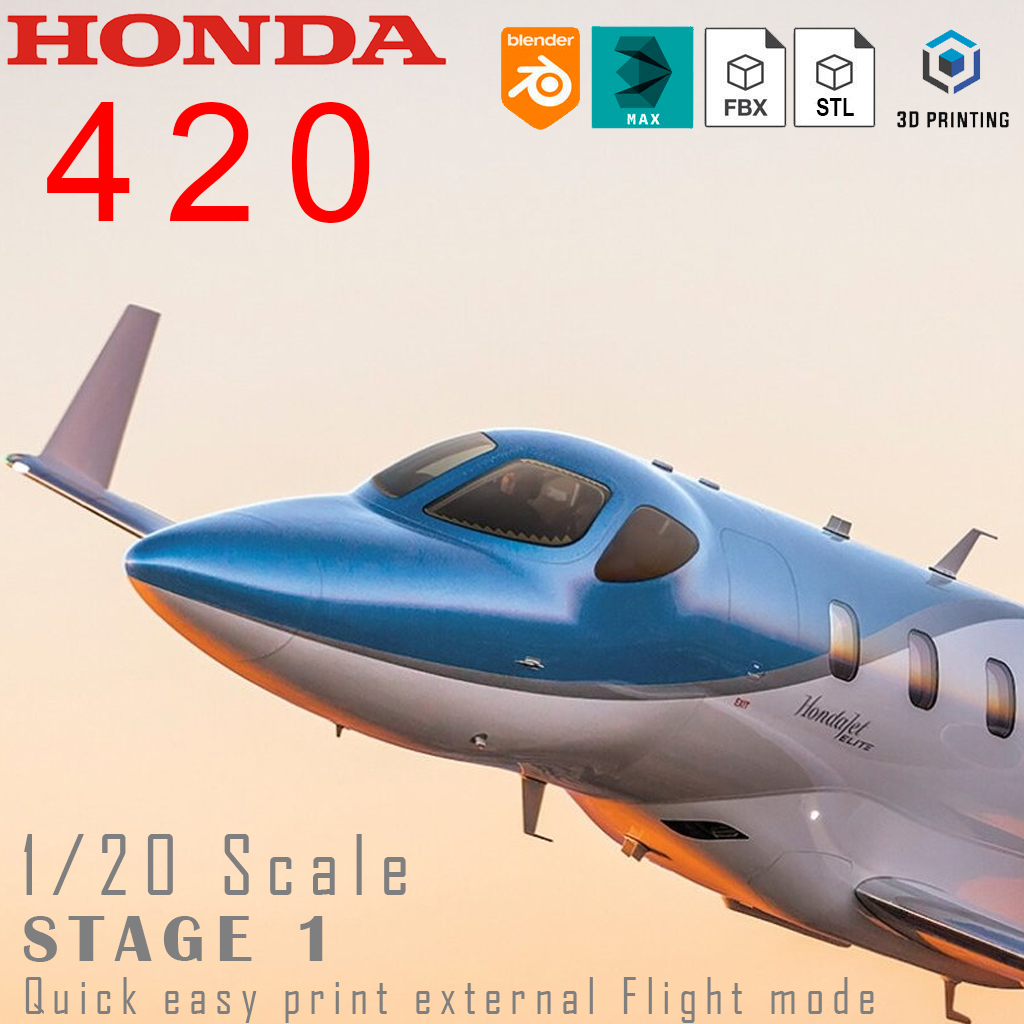
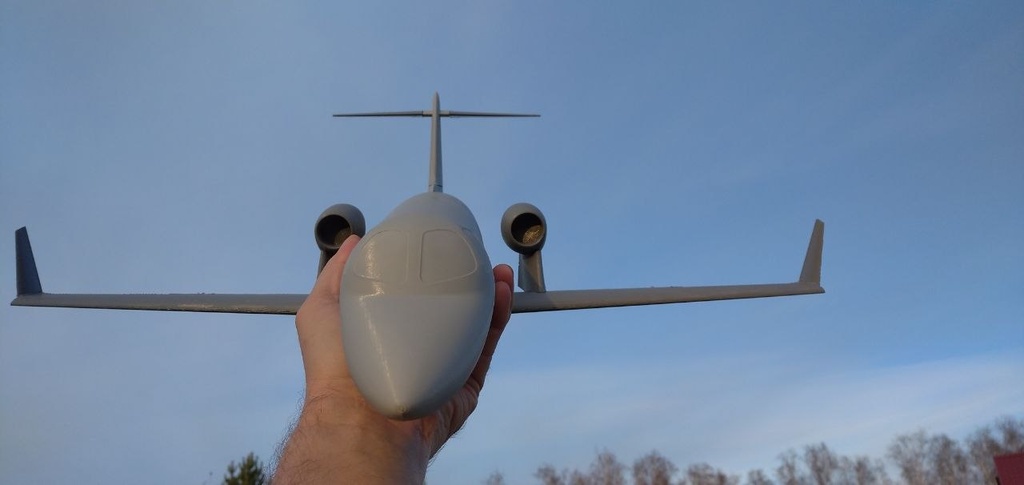
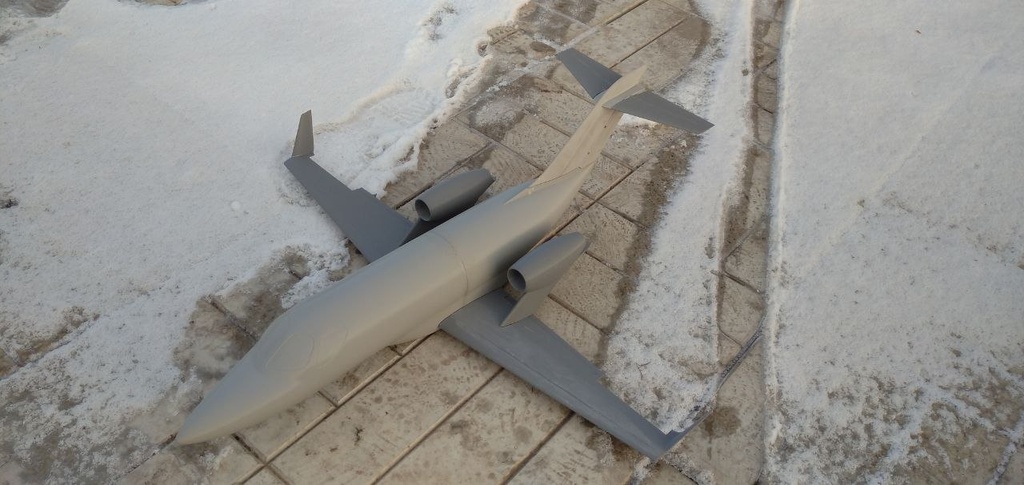
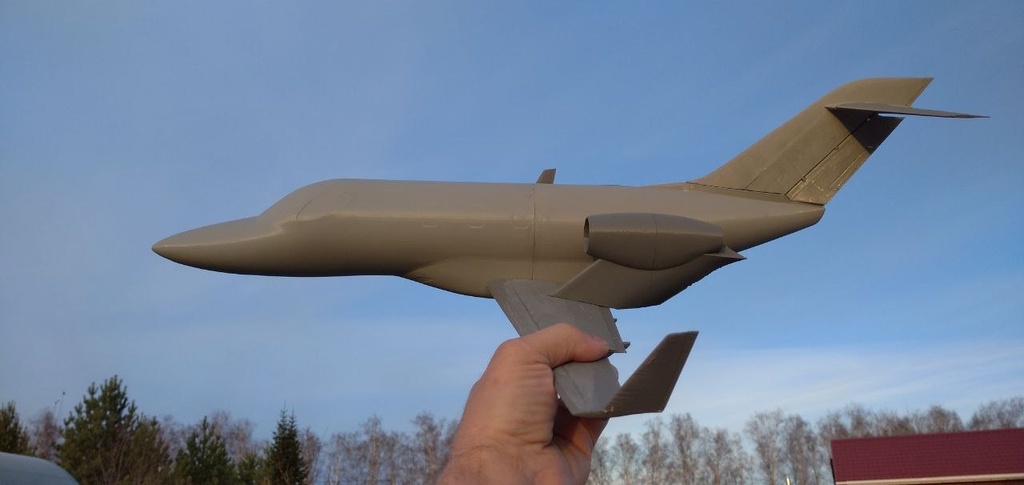
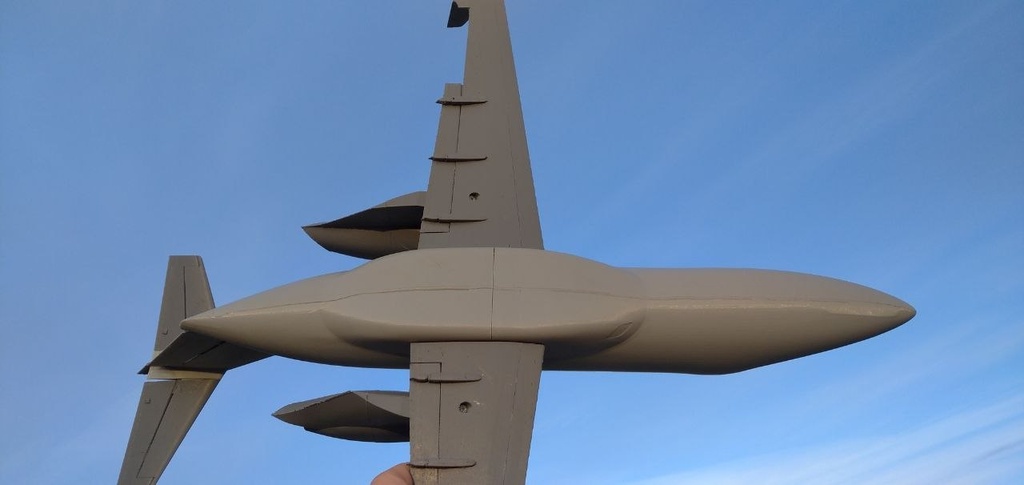
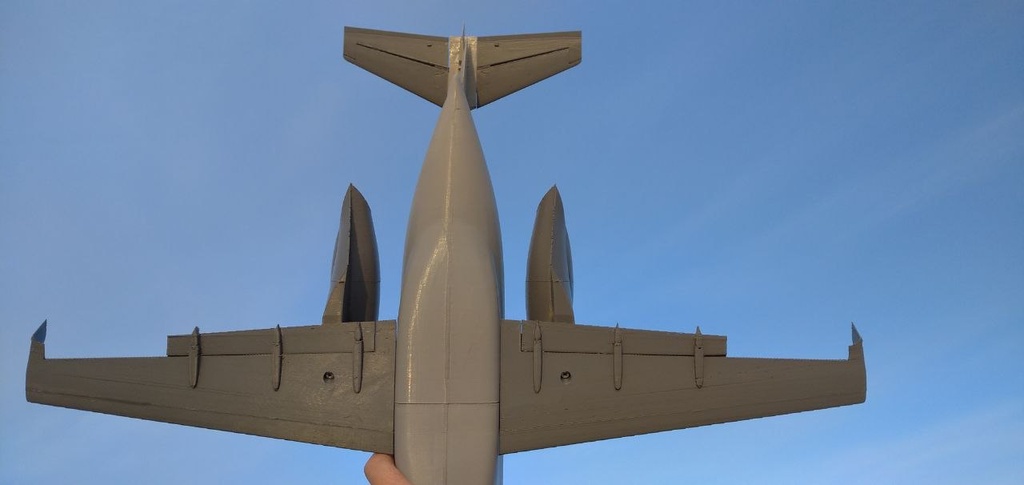
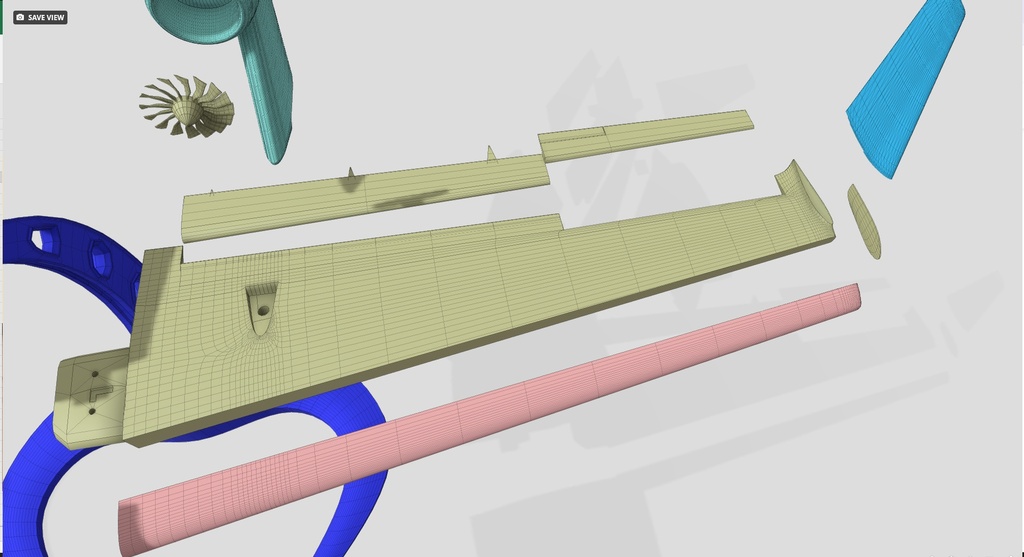
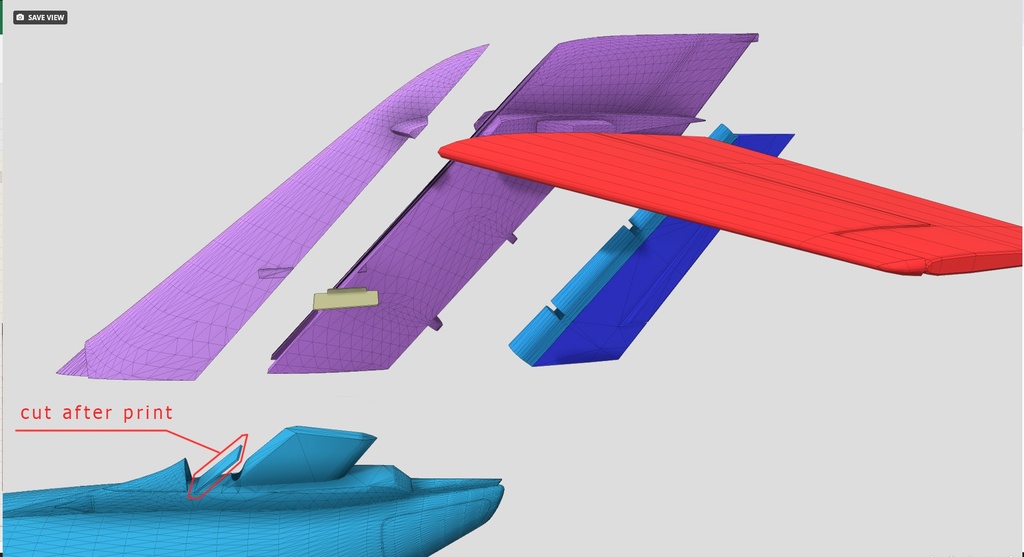
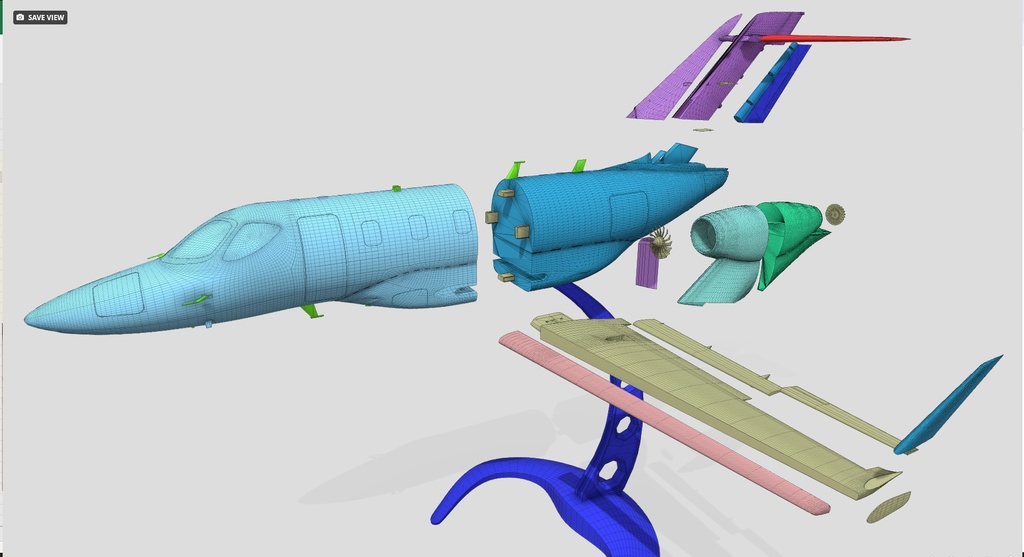
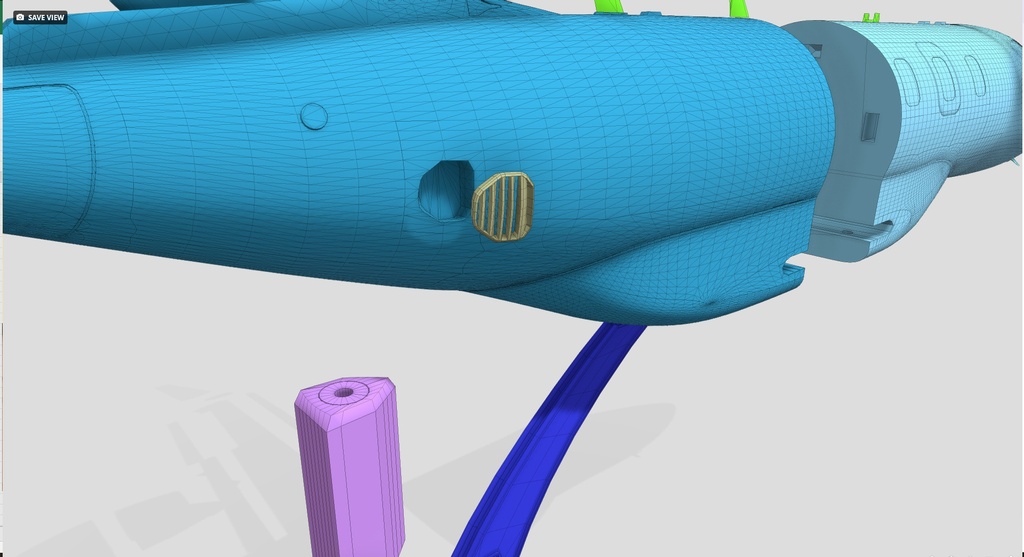
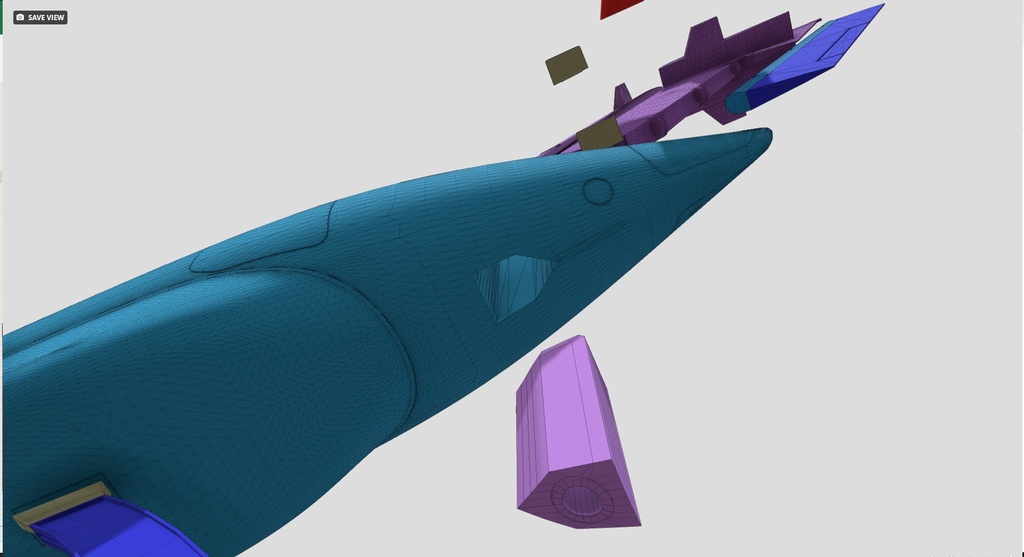
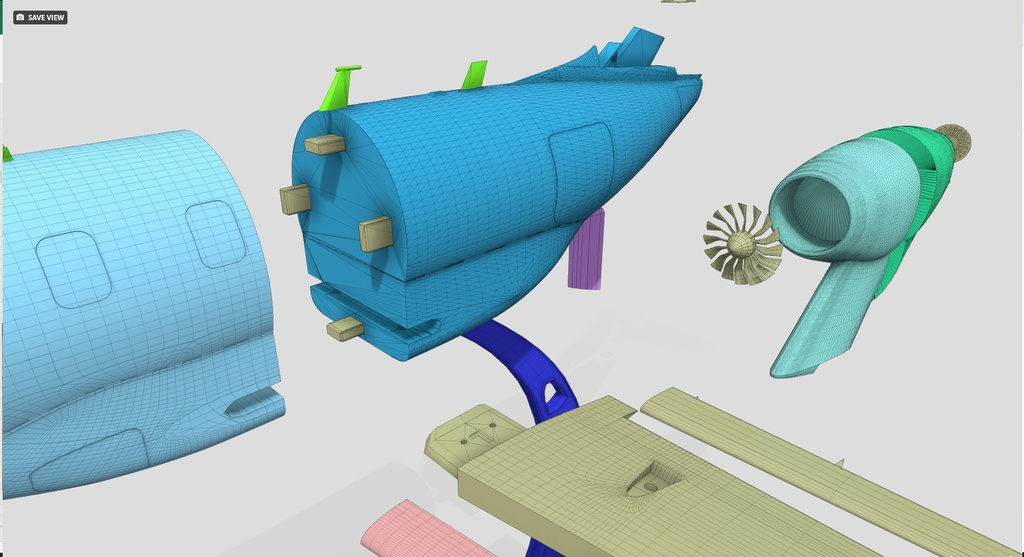
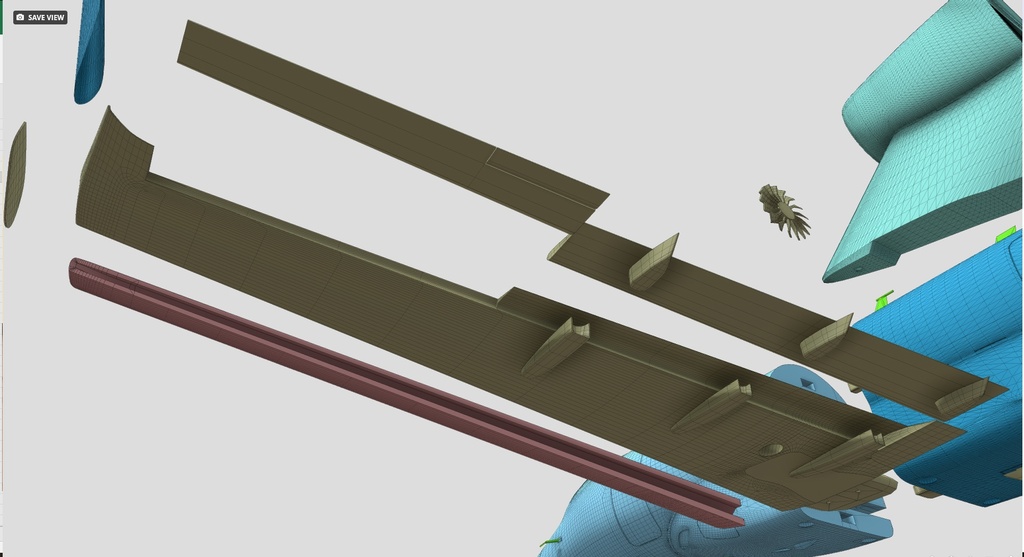
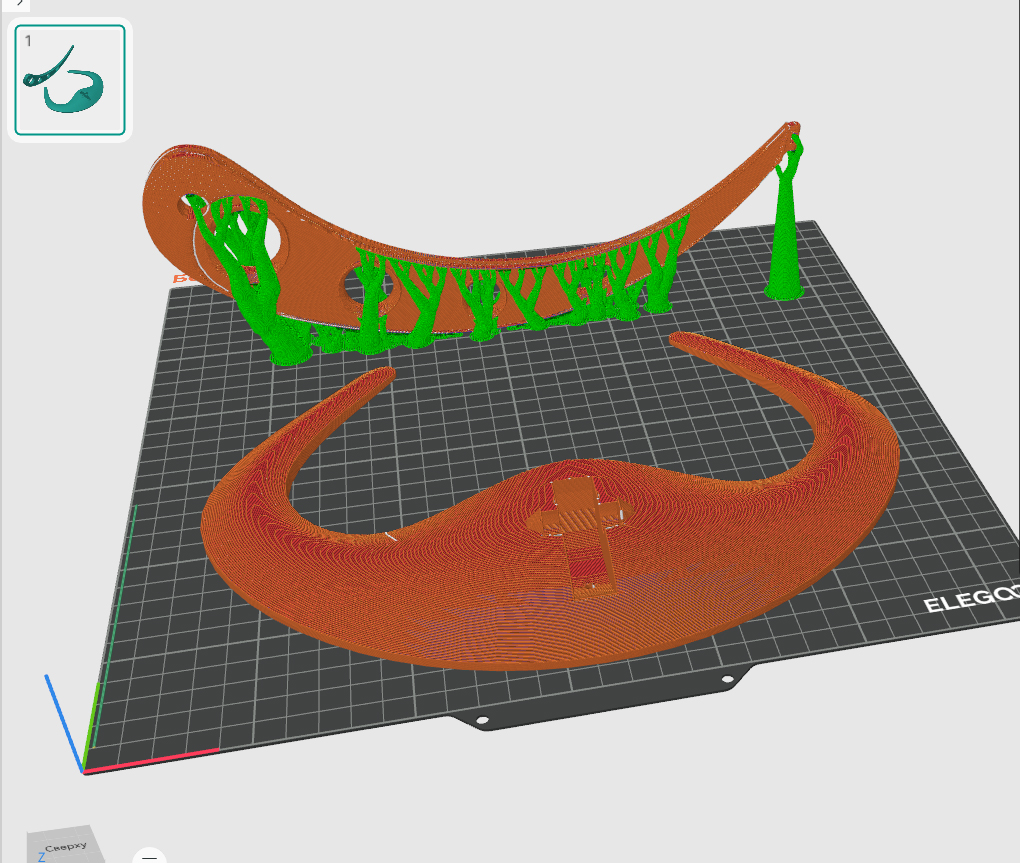
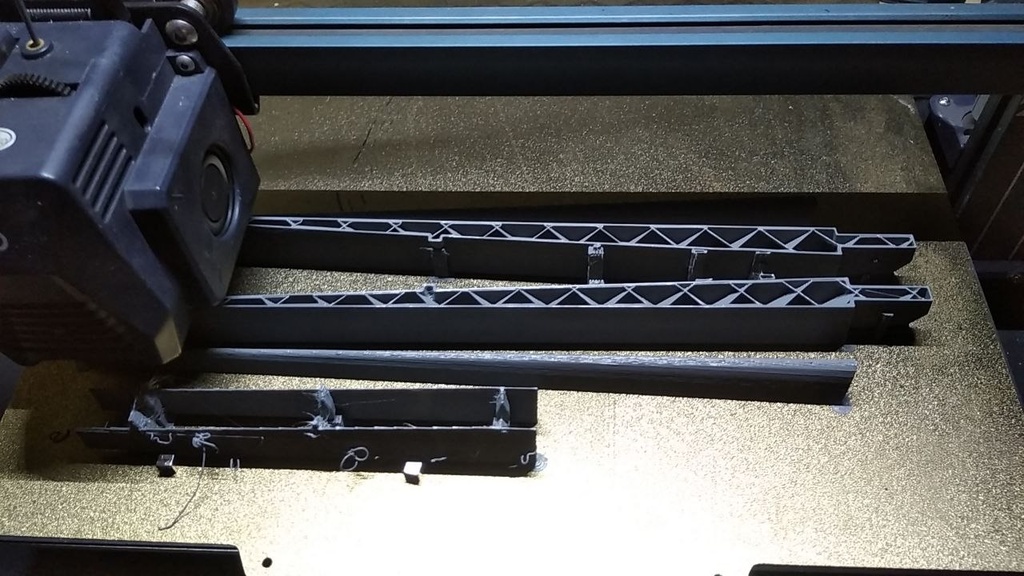
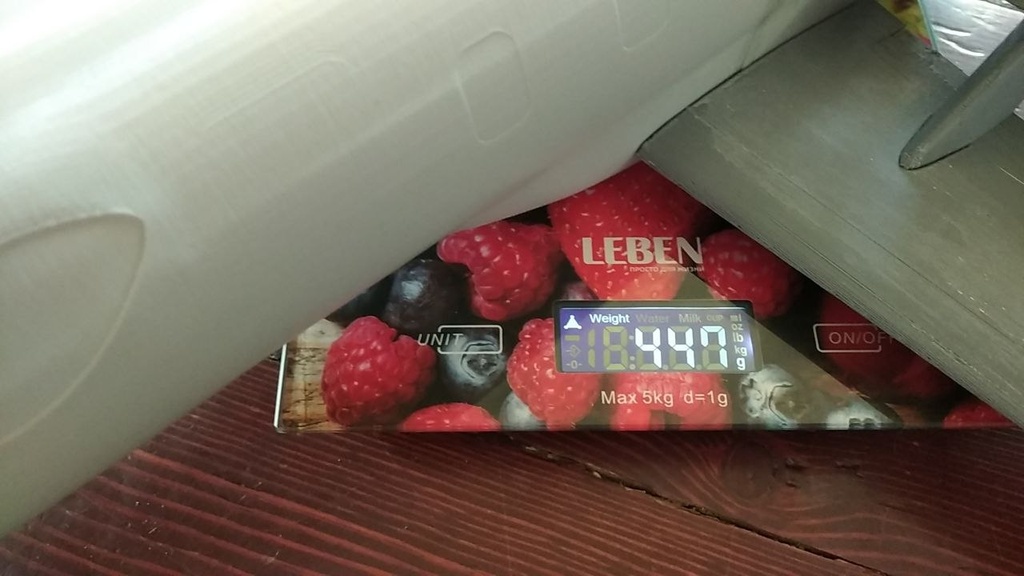
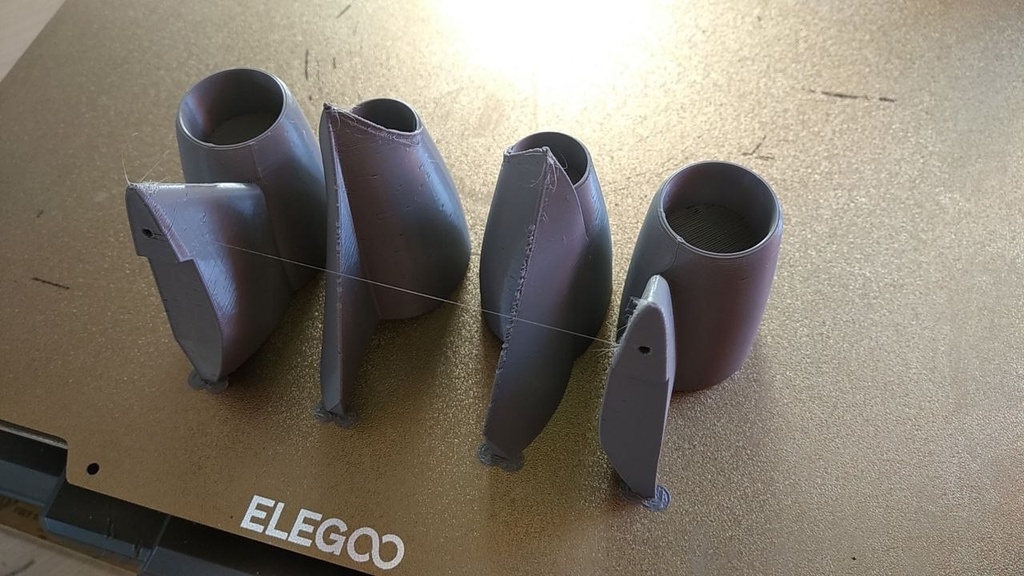

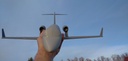
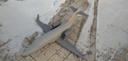
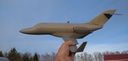
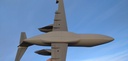
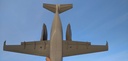
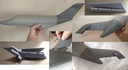
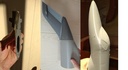
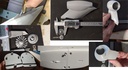
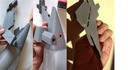
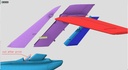
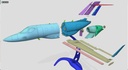
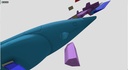
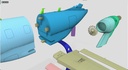
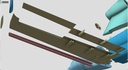
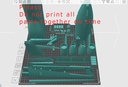
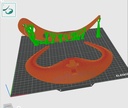
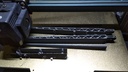
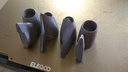
This model contains only the external geometry files ready to print.
Designed for quick printing of a demonstration aircraft model, accelerated assembly in flight mode. No landing gear, clean wing.
Assembly tested on an Elegoo printer 320*320 mm table with 0.6mm nozzle and PLA filament
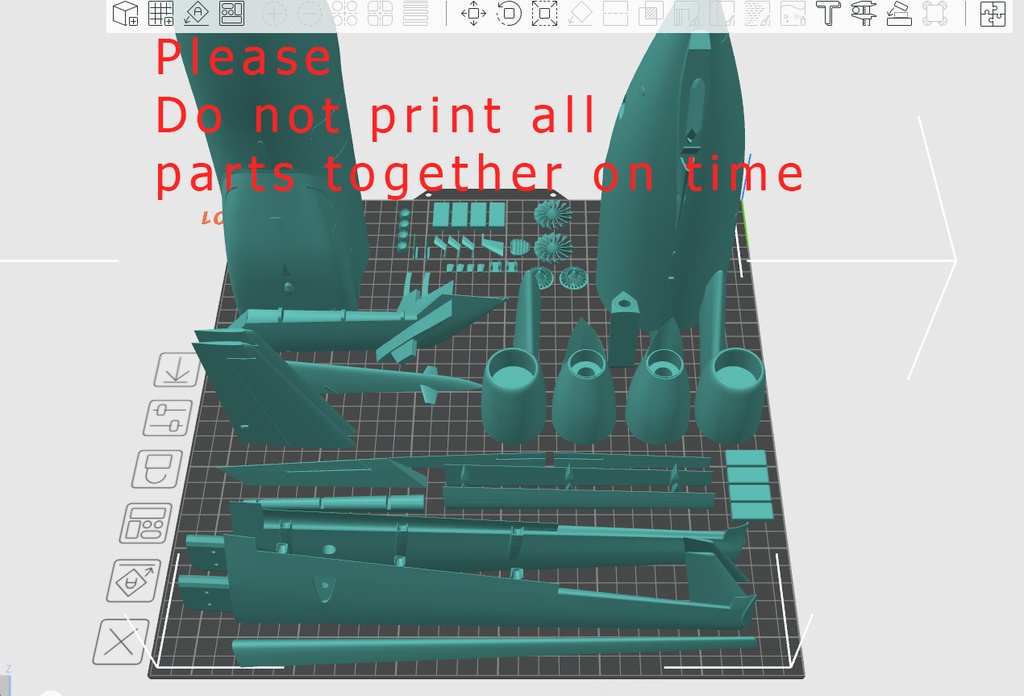
Please keep this in mind, as the wings utilize the maximum length of the print bed when printing.
If you have a smaller print bed, we can design a composite wing.
The primary focus is on precise airframe geometry, quick assembly, and minimal glue usage.
This allows the model to be used on exhibition stands and transported disassembled.
The models geometry is close to the original dimensions, in accordance with the technical specifications.
Windows, doors, and mounting locations for small parts are marked on the model. This allows decals to be applied precisely according to their positions.
The side-by-side printing technique is simple and requires no instructions.
It is important to note that the single-wall mode, 5% infill, and offset zigzag pattern were selected for testing.
The initial bed temperature was 55-65 degrees Celsius. For PLA filament, this is the best option for avoiding elephant feet.
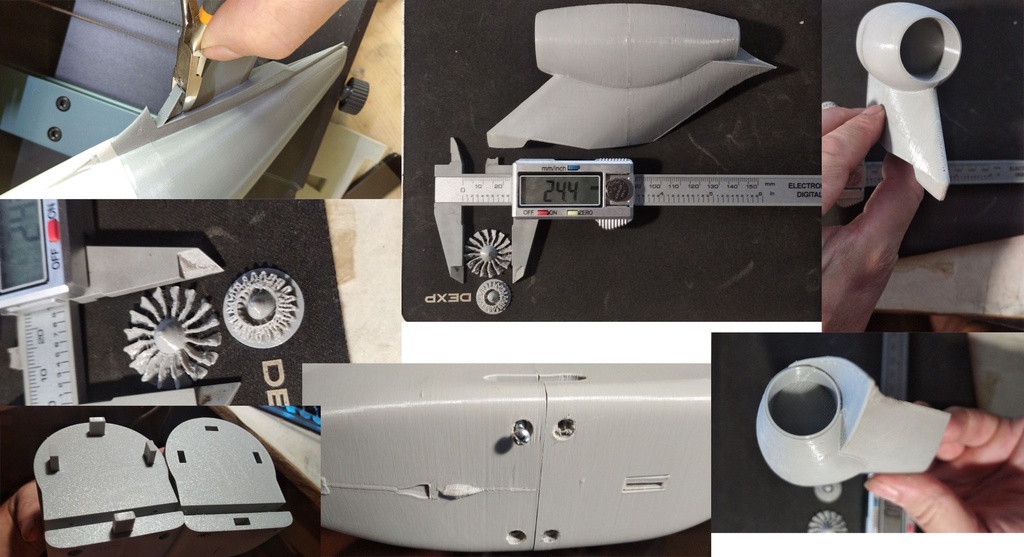
The screw holes can easily be covered with masking tape and painted. This allows for disassembly of the model.
Use a 0.4 nozzle for best results.
If you encounter any difficulties, please contact us.
Smaller prints can be made using a smaller nozzle diameter or resin printing technology.
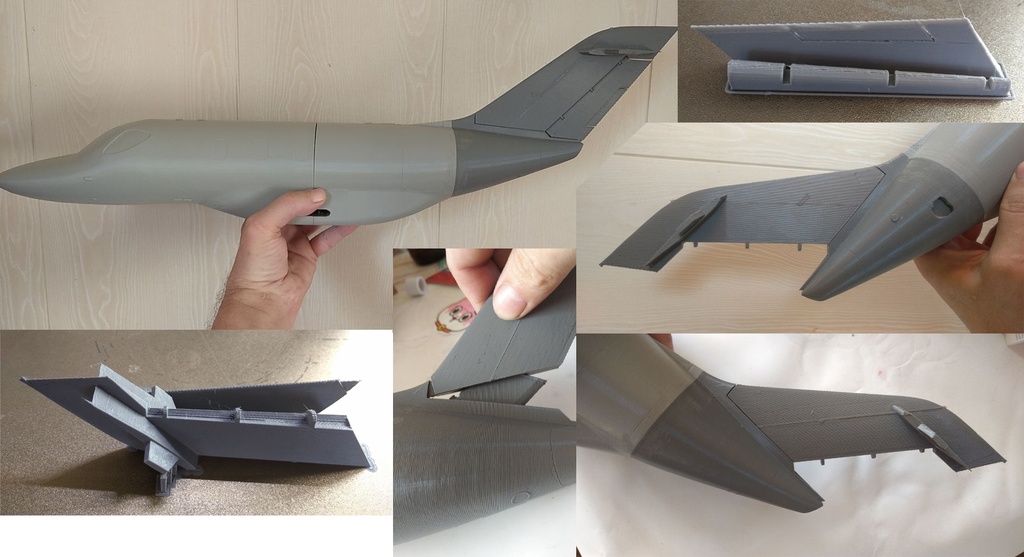
The main parts are the nose and tail sections of the fuselage. They are joined using tongue and groove joints. The parts are included in the package.
Wings. The ailerons and flaps are important. They can be printed as a single piece. It is assumed that these parts will not deflect in flight, but you can separate them before printing if you deem it necessary.
The winglet is glued to the wing separately.
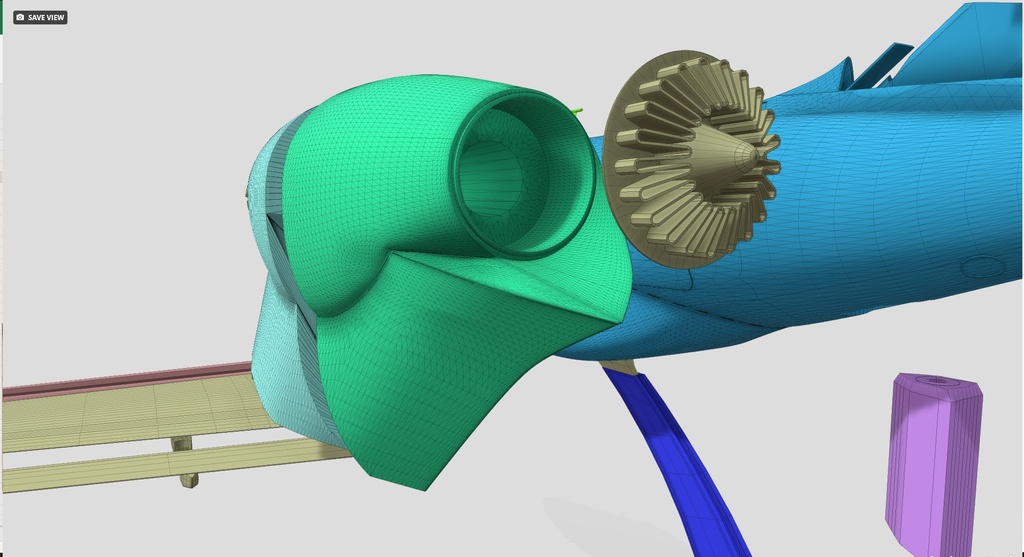
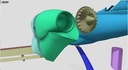
The engine consists of two main parts, as well as an inlet compressor and an outlet nozzle.
The engine is attached to the wing with a screw.
You can also use adhesive for all parts if disassembly is not necessary.
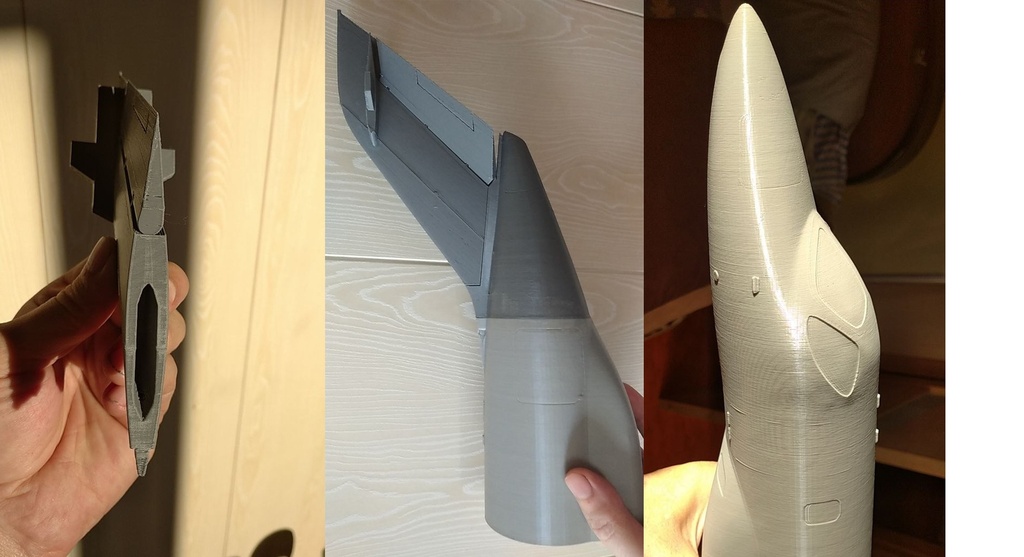
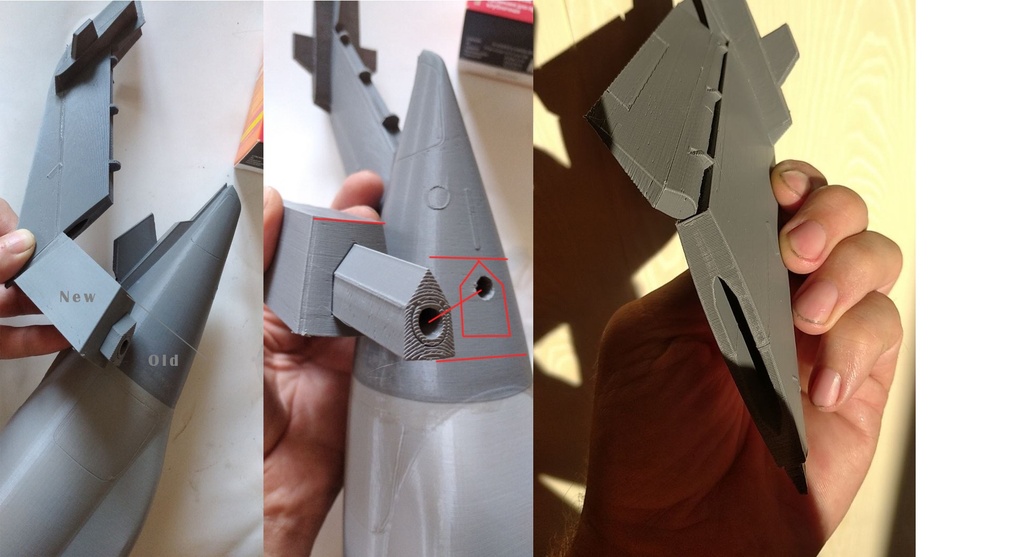
The tail consists of prefabricated parts optimally positioned for printing and is attached with a screw through the fuselage.
The horizontal stabilizer is glued in place, but you can use thin screws for quick release. Unfortunately, this is not provided, but you can drill thin holes yourself. Its best to glue the thin antenna and air intake components after painting the model.
Dont try to print all the parts at once. If you fail, youll lose filament. Tip: Use 5mm neodymium magnets when printing the fuselage. They should be installed during printing when the print layer thickness reaches just over 5mm, carefully placing them around the fuselage perimeter.
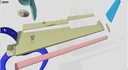
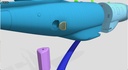
During development of the fin mount, it became clear that the deep horizontal propeller channel was difficult to clear of support. Therefore, a solution was developed in the form of a tube, which is printed vertically and then inserted from below.
Please ignore the color difference in the tail section. The filament was simply replaced with the wrong color during printing.
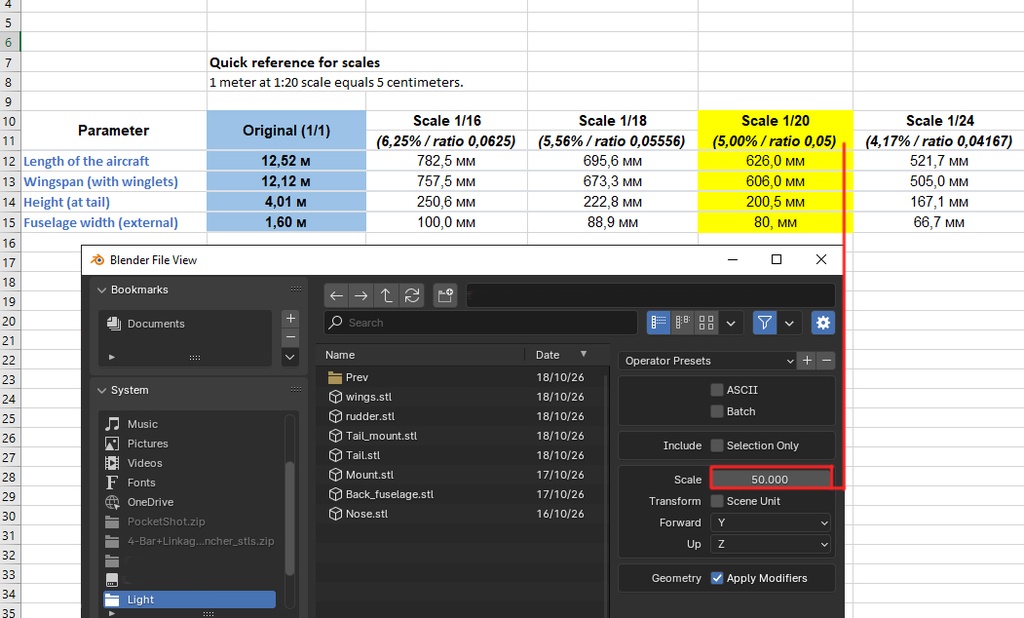
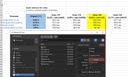
A quick reminder of scales is shown in the screenshot in the table.
When exporting to STL from Blender, use a value of 50.
1 meter at a 1:20 scale is equal to 5 centimeters.
When printing a model at a smaller scale, you need to consider the capabilities of your printer. When printing at a larger scale, consider the mesh size.
In either case, youll need to use a file, a needle file, and sandpaper with at least 180 grit.
After assembly, its important to apply putty, then prime and paint the model in the desired colors.
The model can be mounted either on a stand or with nylon threads.
The included stand was not tested due to concerns about its practicality. Everyone has different preferences, but if you like the stands design, you can use it. In any case, maintain the models center of gravity, which is located closer to the trailing edge of the wing. The stands mounting allows for tilting the stands boom, as well as a slight horizontal tilt of the model airplane at the junction of the boom and the airplane. Let us know if you encounter any issues. Well fix it.